
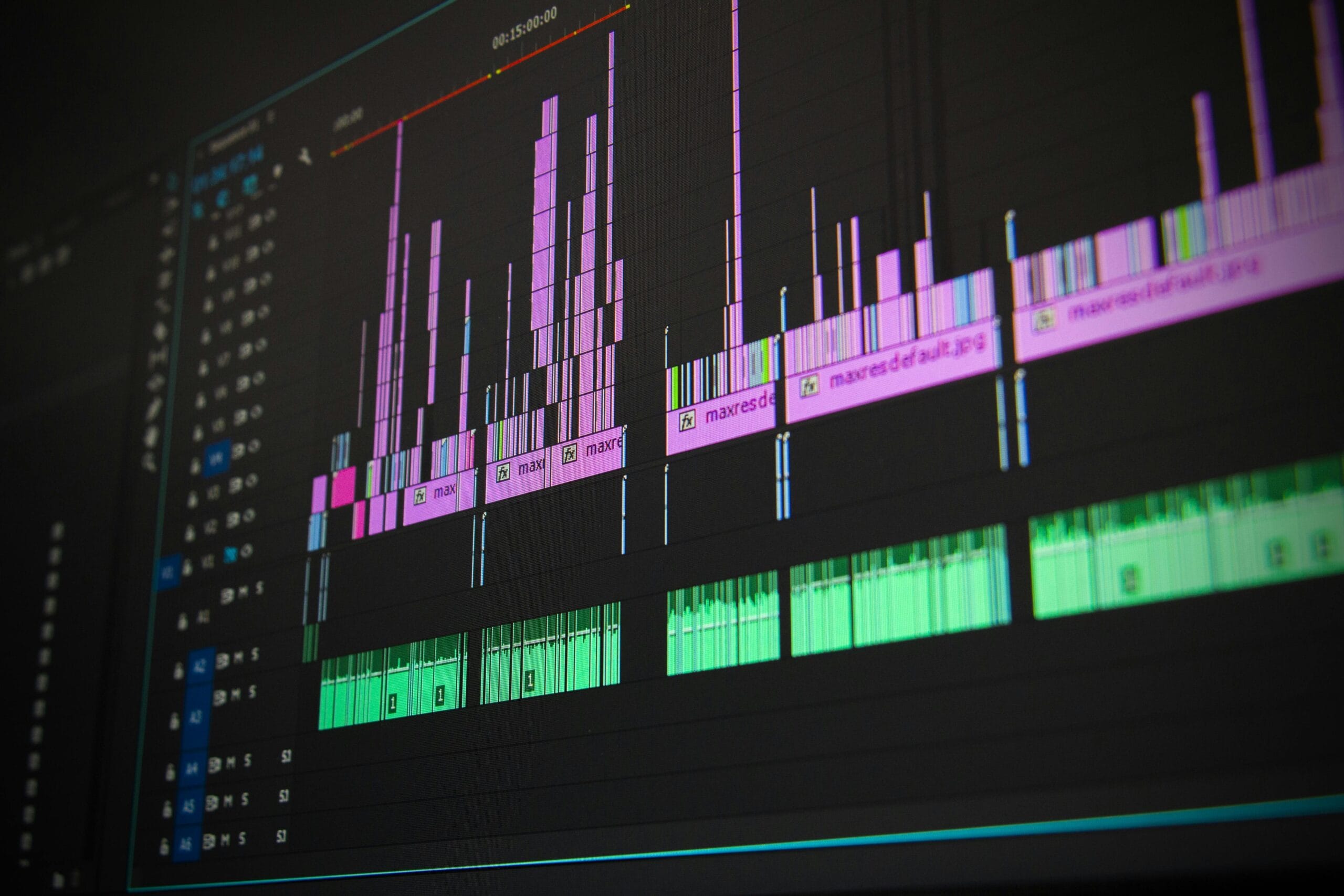
How to Learn Video Editing Step-by-Step | Best Tools, Courses & Tips for Beginners
Introduction
Video content is everywhere — from YouTube and Instagram Reels to business promotions and online courses. Whether you want to become a professional editor or just make engaging content for social media, learning video editing is one of the most valuable skills in the digital age.
The good news? You don’t need an expensive setup or a film school degree to get started. With the right tools, mindset, and practice, you can learn video editing at home — for free or at a very low cost.
In this guide, we’ll walk you through how to learn video editing step-by-step, which software to use, where to find tutorials, and how to turn your skills into a career.
1. Understand the Basics of Video Editing
Before jumping into complex transitions or effects, it’s important to understand what video editing actually means.
Video editing is the process of combining, trimming, and enhancing video clips to tell a story or deliver a message. It involves:
- Cutting & Trimming: Removing unwanted parts of footage.
- Transitions: Smoothly moving between clips.
- Audio Editing: Syncing voice, background music, and sound effects.
- Color Correction: Adjusting brightness, contrast, and tones.
- Adding Text & Effects: Titles, subtitles, and visual enhancements.
Tip: Focus on storytelling. Even simple edits can look great if your video has a clear purpose and flow.
2. Choose the Right Video Editing Software
There are plenty of editing tools for every budget and skill level. Here are some of the best ones to get started:
Free Software (Perfect for Beginners)
- DaVinci Resolve: Professional-grade color correction and editing tools.
- HitFilm Express: Ideal for YouTubers and short films.
- CapCut / VN Editor: Great mobile-friendly options for quick edits.
- iMovie (Mac/iOS): Simple interface for Apple users.
Paid Software (For Advanced Creators)
- Adobe Premiere Pro: Industry standard for YouTube, film, and corporate videos.
- Final Cut Pro: Optimized for Mac; great performance and pro-level tools.
- Filmora: Easy to use with ready-made templates and effects.
Start with free tools first to understand the workflow, then upgrade as your skills grow.
3. Learn the Key Editing Techniques
To make your videos look professional, focus on mastering these basic techniques:
- Cut on Action: Transition between shots during movement for smoother flow.
- Use B-Roll: Add extra footage to make your story more dynamic.
- Color Grading: Adjust tones to create a consistent look and mood.
- Sound Design: Balance background music and dialogue for clarity.
- Add Subtitles: Improves accessibility and engagement.
Pro Tip: Watch your favorite YouTubers or films and analyze how they edit — when they cut, what transitions they use, and how sound builds emotion.
4. Learn Through Online Resources
You can learn video editing for free online through tutorials and structured courses.
Best YouTube Channels
- Justin Brown – Primal Video (Beginner to Pro workflow tutorials)
- Peter McKinnon (Creative tips and cinematic editing)
- Filmora Official Channel (Software-specific guides)
Free Course Platforms
- Coursera & edX: Intro to video editing and production.
- Skillshare / Udemy: Affordable step-by-step lessons.
- LinkedIn Learning: Courses from certified professionals.
Dedicate at least 30 minutes daily to practice — consistency beats perfection.
5. Practice with Real Projects
Don’t just watch tutorials — create projects. Practice is the fastest way to improve.
Here are a few ideas to get started:
- Edit a travel vlog or family event video.
- Create Instagram Reels or YouTube Shorts.
- Make a music video or montage.
- Offer to edit videos for friends, schools, or local businesses.
With every project, you’ll learn new techniques, develop speed, and gain creative confidence.
6. Master Audio and Color Grading
Professional-looking videos depend on more than just cuts.
Audio Tips:
- Use royalty-free background music (from sites like Pixabay Music or Mixkit).
- Record voiceovers in a quiet environment.
- Sync video and audio precisely.
Color Grading Tips:
- Use LUTs (Look-Up Tables) to achieve consistent tones.
- Adjust exposure and contrast for better clarity.
- Experiment with warm and cool tones for mood setting.
7. Build a Portfolio and Showcase Your Skills
Once you have edited a few videos, start building your portfolio.
You can showcase your work on:
- YouTube or Vimeo
- Instagram Reels / TikTok
- Behance or personal website
A strong portfolio helps you attract clients, freelance gigs, or even full-time editing jobs.
8. Learn Advanced Editing Skills
As you grow, dive into advanced areas like:
- Motion Graphics (After Effects, Blender)
- 3D Editing
- Cinematic Transitions
- Color Theory & Visual Storytelling
- AI Tools for auto-editing, captioning, and effects.
These skills can help you stand out in a competitive market.
9. Turn Your Skill into Income
Once you’re confident, you can start earning money through:
- Freelancing Platforms: Fiverr, Upwork, Freelancer.
- YouTube Monetization: Create your own content channel.
- Social Media: Offer short-form video editing for influencers.
- Corporate Clients: Make promo or training videos.
Pro Tip: Start small. Offer your services at a beginner-friendly rate to build reviews and trust.
10. Stay Updated and Keep Learning
Video editing trends evolve fast — new effects, AI tools, and formats appear every year.
Keep upgrading your knowledge by following:
- Editing communities on Reddit, Discord, or Facebook.
- Software updates and patch notes.
- New plugins and creative editing trends.
Conclusion
Learning video editing is a journey — not a one-time task. Start small, be consistent, and don’t be afraid to experiment. Every edit teaches you something new.
Whether your goal is to grow a YouTube channel, enhance your social media presence, or build a freelance career, video editing gives you the creative power to turn ideas into engaging visuals.